
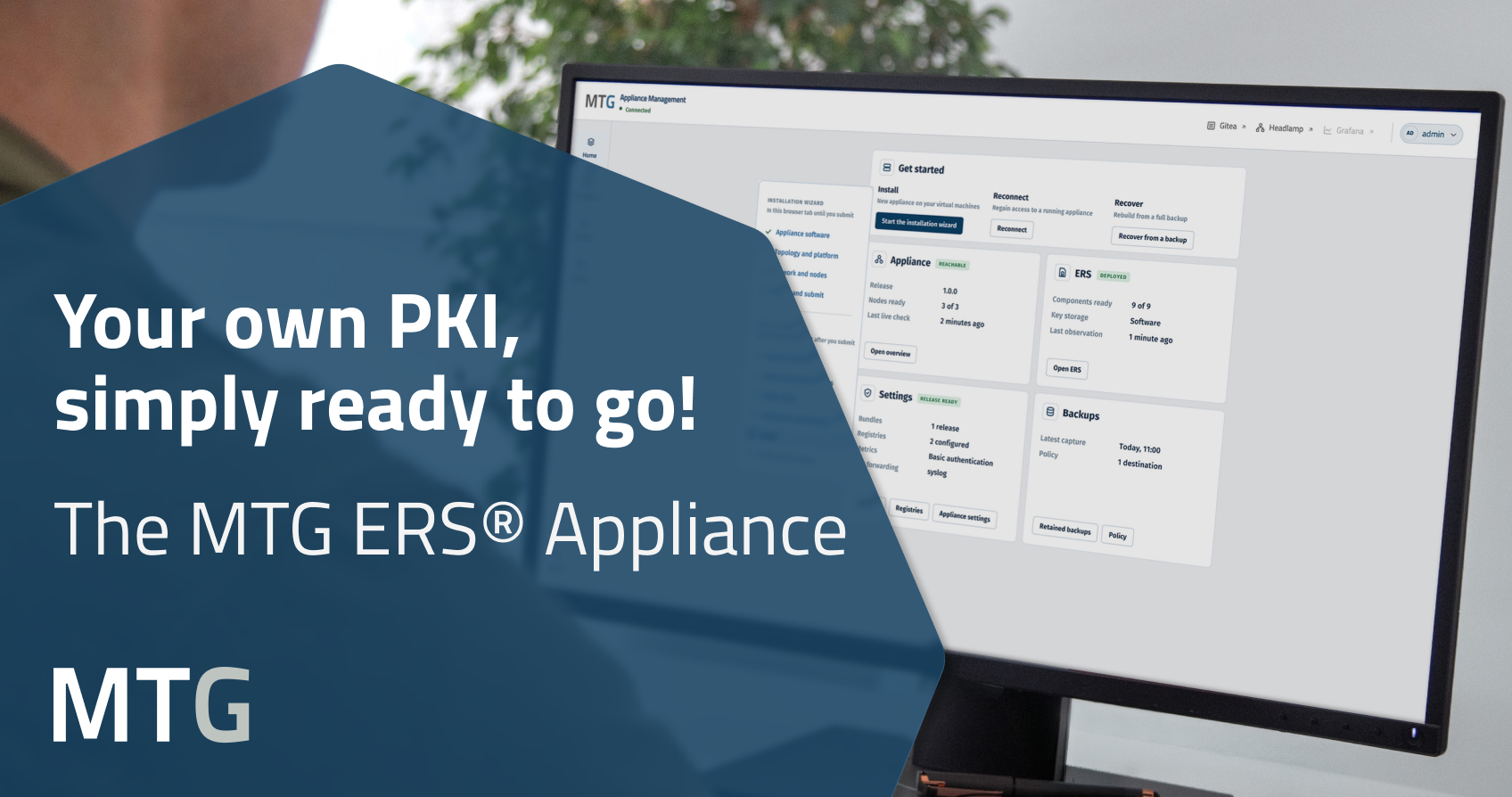
The MTG ERS® Appliance is now available. Run your own PKI with significantly less effort: preconfigured, with wizard-guided setup, high availability, and PQC support.
October 21, 2026
The MTG ERS® Appliance is now available. Run your own PKI with significantly less effort: preconfigured, with wizard-guided setup, high availability, and PQC support.
Running your own PKI with Certificate Lifecycle Management (CLM) gives you full control over your certificates. Until now, however, this has often meant a complex implementation project, external consultants, and considerable time spent on a specialist topic—time IT teams can barely spare alongside network, cloud, and security responsibilities.
This is where the MTG ERS® Appliance comes in: a browser-based wizard guides your team through the setup step by step, right through to issuing the first certificate. Your team stays in control and makes the decisions; the appliance takes care of the rest.
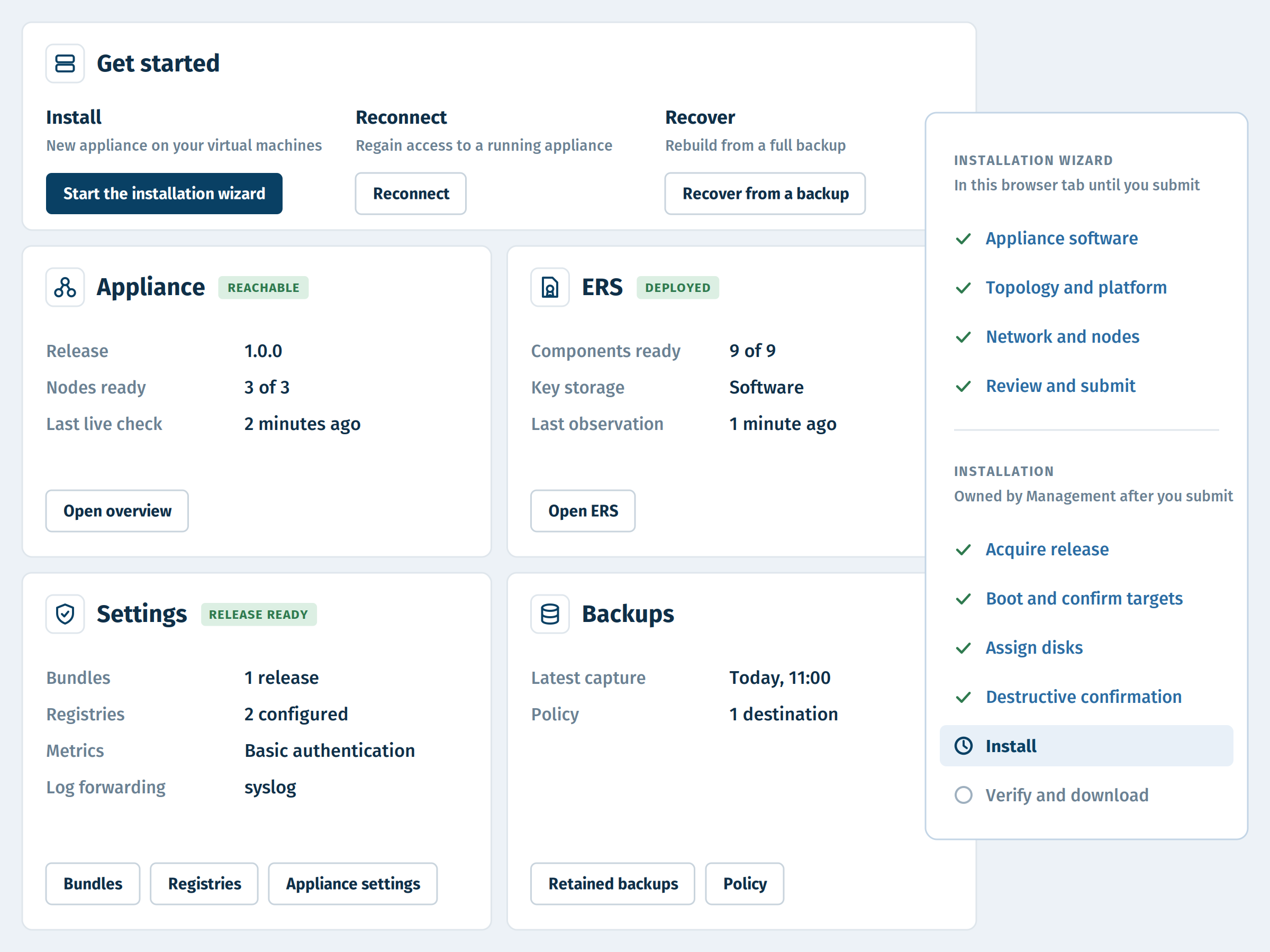
The MTG ERS® Appliance consists of two components: the management component, which lets you manage installation, configuration, updates, backups, and recovery through your browser, and the appliance nodes that run your PKI. A single node is enough to get started; for high availability, use three nodes. The appliance can be deployed on VMware or Proxmox, including in networks without internet access.
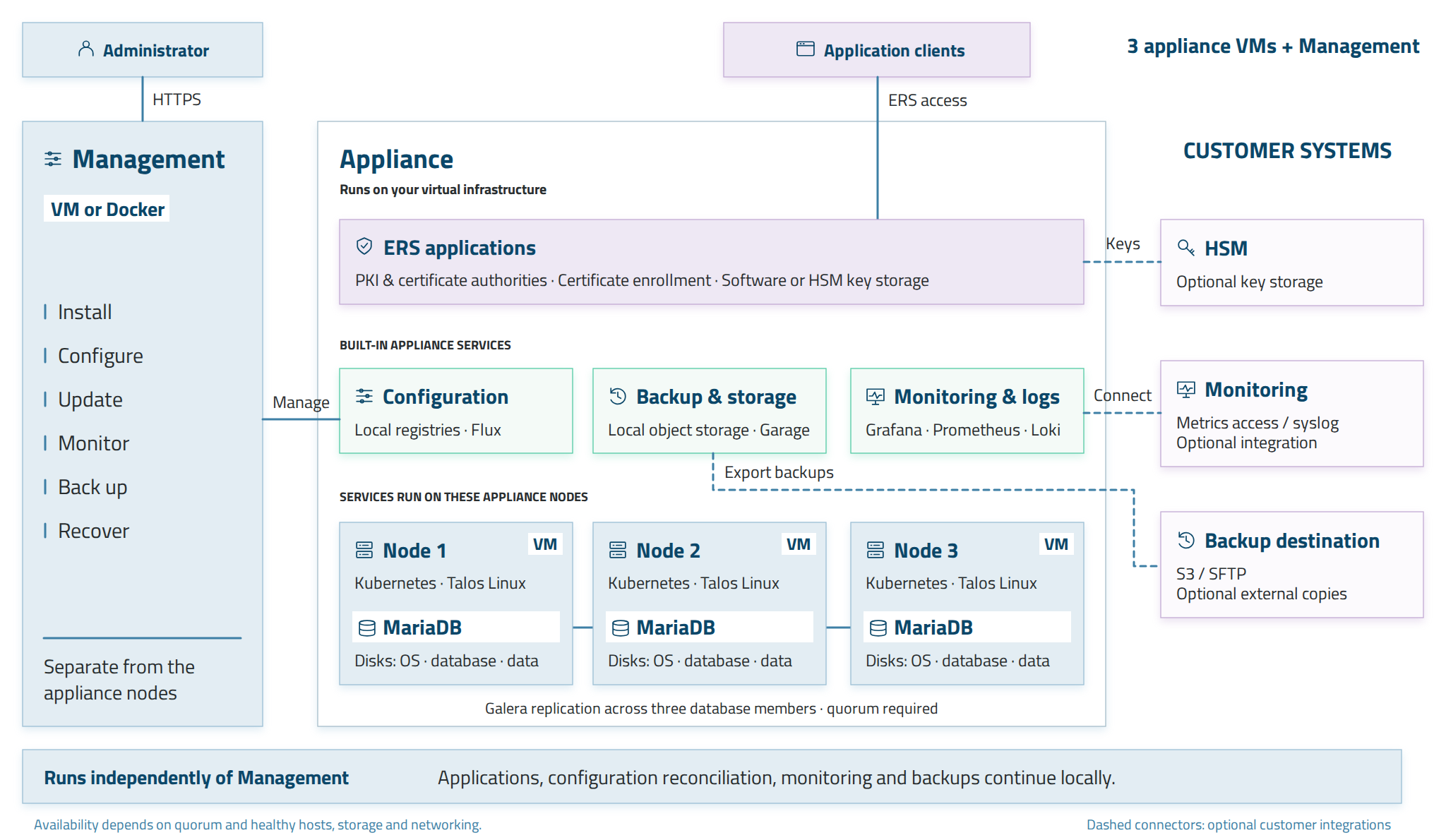
Our online documentation explains how the components work together, what hardware you need, and how to install the appliance step by step.
The appliance is ideal if you want to manage your own PKI. If you prefer to leave operations to someone else, our partner DARZ offers Managed PKI & CLM, using the same technology hosted in German data centers. The side-by-side comparison on our product page helps you find the right option for your needs.
Visit the product page to see the four-step setup process, supported platforms, and requirements for your environment. Or let our experts show you the appliance in a live demo tailored to your preferred setup.
The MTG ERS® Appliance is a preconfigured Public Key Infrastructure (PKI) with Certificate Lifecycle Management (CLM) from MTG AG that companies run as a virtual machine within their own infrastructure. A browser-based wizard gets the PKI up and running in minutes. Backup, monitoring and automation via ACME, EST, SCEP and CMP are built in, with high availability available in a three-node setup.
Yes, the MTG ERS® Appliance runs in your own data center, in isolated networks without internet access, or in the cloud. The same software and license are used in all scenarios.
Yes, updates introduce new cryptographic algorithms to the MTG ERS® Appliance, supporting the transition to post-quantum cryptography (PQC). This allows organizations to gradually migrate their PKI to quantum-safe algorithms without switching systems.
With the MTG ERS® Appliance, organizations operate their own PKI and retain full control over configuration, updates, and access. With Managed PKI & CLM, MTG’s partner DARZ handles operations in German data centers using the same PKI technology.
Yes, the MTG ERS® Appliance is developed by MTG AG in Darmstadt, Germany. Organizations run it within their own infrastructure and retain full control over their keys.
All technical details about the MTG ERS® Appliance.
Plan CPU, memory and storage resources for management and nodes.
Operate it yourself or have it managed: compare both options side by side.
MTG has been developing quantum-safe cryptographic solutions for PKI, CLM and KMS since 2018.
For further information feel free to contact us!